Good day. I have followed the exact same steps on youtube for creating a reserved ip address in digitalocean and I get this issue. I tried going to the thread where this issue was previously raised but couldn’t find a solution.
The error:
Order placed 2026-06-18 05:25:53.263390 None
'Got exception in place_order as {‘status’: ‘failure’, ‘remarks’: {‘error_code’: ‘DH-905’, ‘error_type’: ‘Input_Exception’, ‘error_message’: ‘Invalid IP’}, ‘data’: ‘’}
Hi @Michael ,
After creating the public static IP, make sure it has been mapped in the Static IP settings of the Dhan profile. Once this process is completed, run the order placement system from the same server where the static IP was configured.
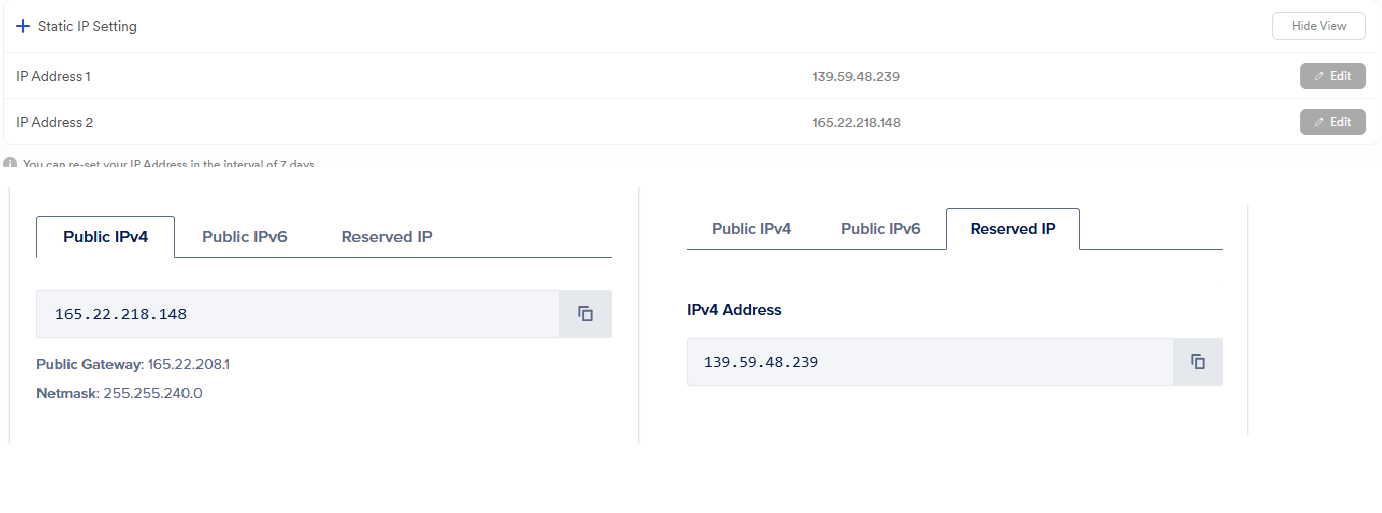
As suggested in a previous thread I have added both the public IPv4 and the reserved IP in the static IP settings of the dhan profile.
DO I have to use the public IPv4 ip while logging in the Remote Desktop Connection because I’ve used the Reserved IP while logging in the Remote Desktop Connection ?
Hi @Michael ,
Connect using the reserved IP and check whether the order is being placed successfully.
I tried doing it. I closed the Remote Desktop Connection and again reopened it and ran the code. Later I get this error as well. Is it that every time I open the server, do I have to run all the installation process again as shown on youtube?
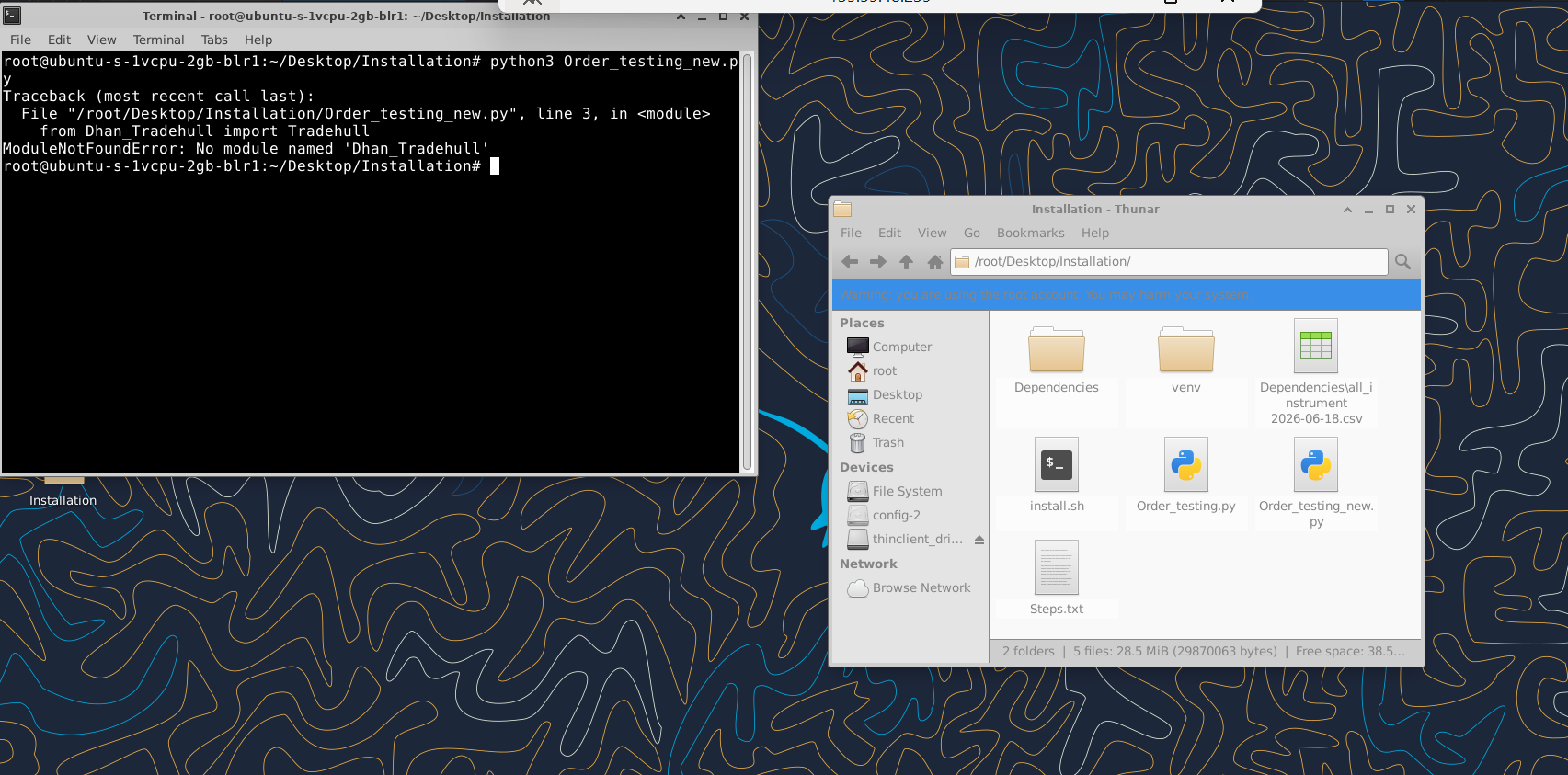
Hi @Michael ,
Do run the following command on the terminal and try again -
pip install Dhan-Tradehull==3.3.1
I’ve done this, I remember there was a video on youtube for installing python 3.12 and integrating with Cursor, I’m trying to search for that video, but couldn’t find it . Has it been removed ?
Hi @Michael ,
Refer the link below for the installation -